Nathan Segal Art
Connection Problem with Adobe Express and Chat GPT
A few days ago, I tried to connect to Adobe Express through Chat GPT.
I was using this tutorial.
https://blog.adobe.com/en/publish/2025/12/10/edit-photoshop-chatgpt
Unfortunately, it didn't work and neither did an updated tutorial, so I rewrote it using some screen shots.
Here's the workflow I amended. Open ChatGPT and select your name in the lower left panel.
Select Settings > Apps.
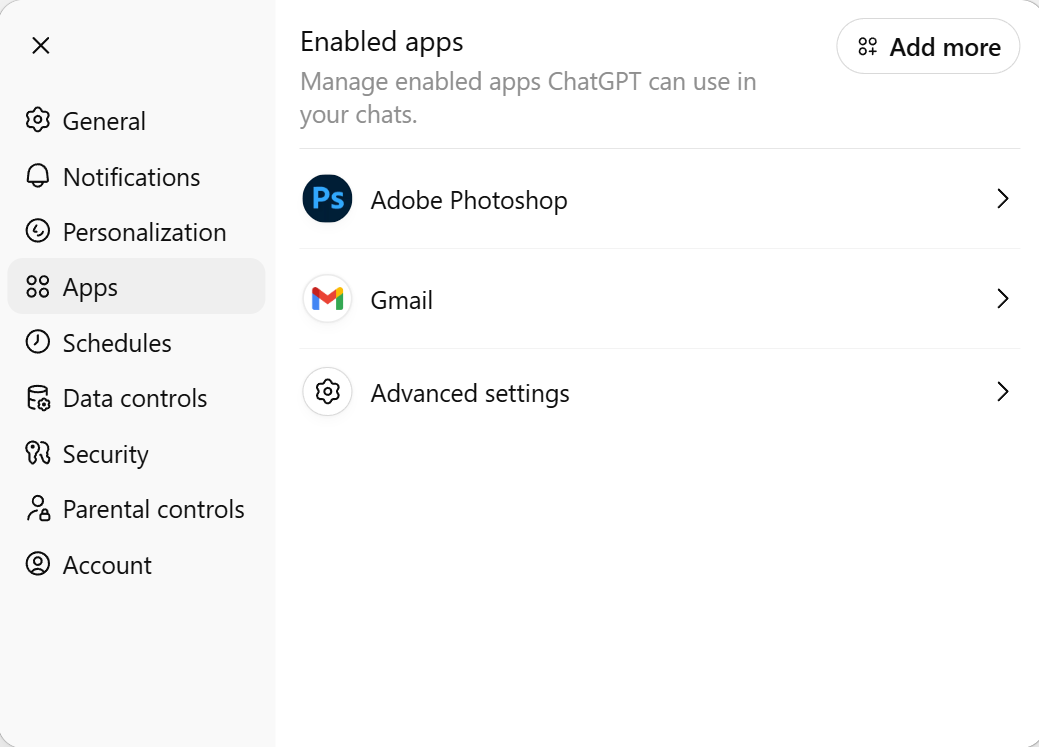
When you open apps, you will see something like the above. As you can see, Adobe Express is not available. Click on the Add more button at top right.
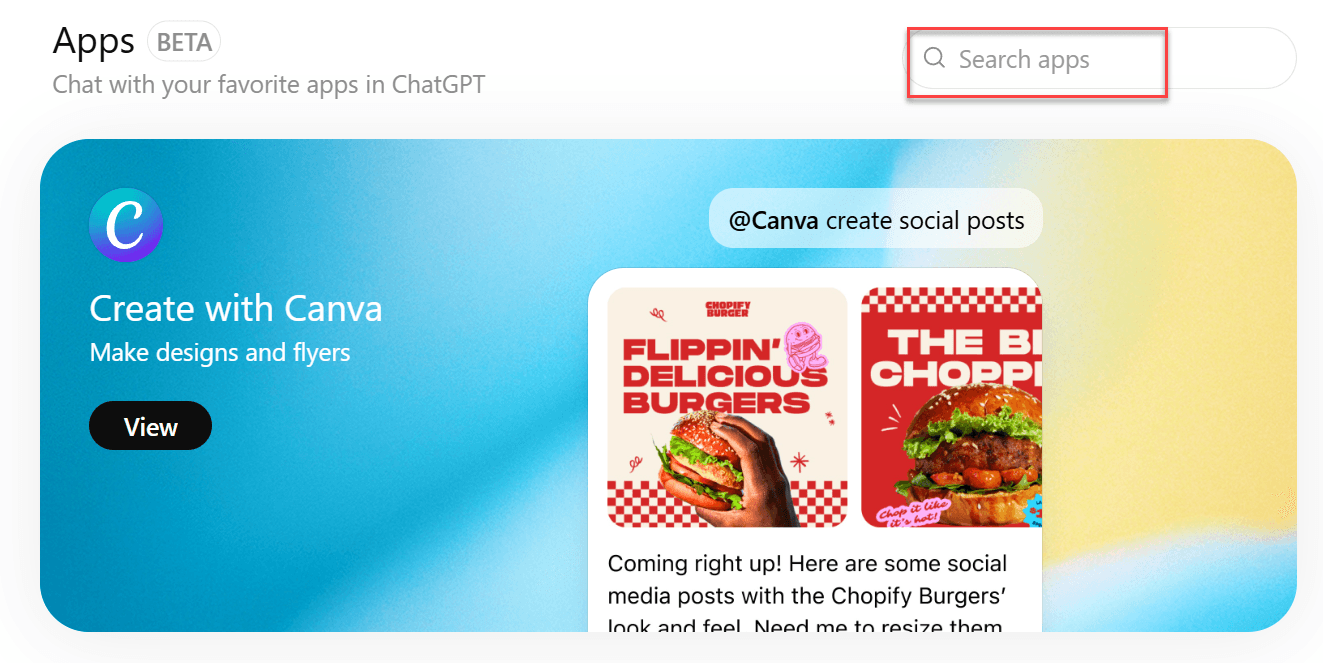
In the screen shot above, search for Adobe Express
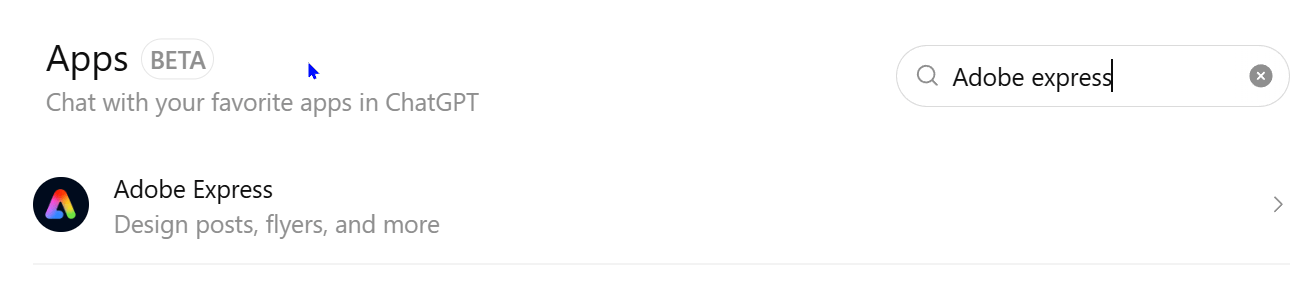
You will see the section above. Click on Connect then on the coming page, (which I cannot show here), click on Connect without account. Your account will be connected.
That’s it.

About me

Hi there 👋 My name is Nathan Segal, I'm the creator of This Blog. Here, you can view my portfolio and read my articles which are all about art and tutorials


Created with ©systeme.io