Nathan Segal Art
Mexico Mask
This was a project a friend asked me to do. He wanted a Mexican-style mask, and I chose Blender because I knew it could handle the job.
To guide me, I used the sculpting tutorials from Grant Abbitt to guide me through the process.
One of the biggest challenges was not having a drawing tablet. That would have made the modeling process much easier. I only had a basic mouse and no budget to upgrade, so I had to work with what I had. What I’m going to show is a series of screenshots from that process.
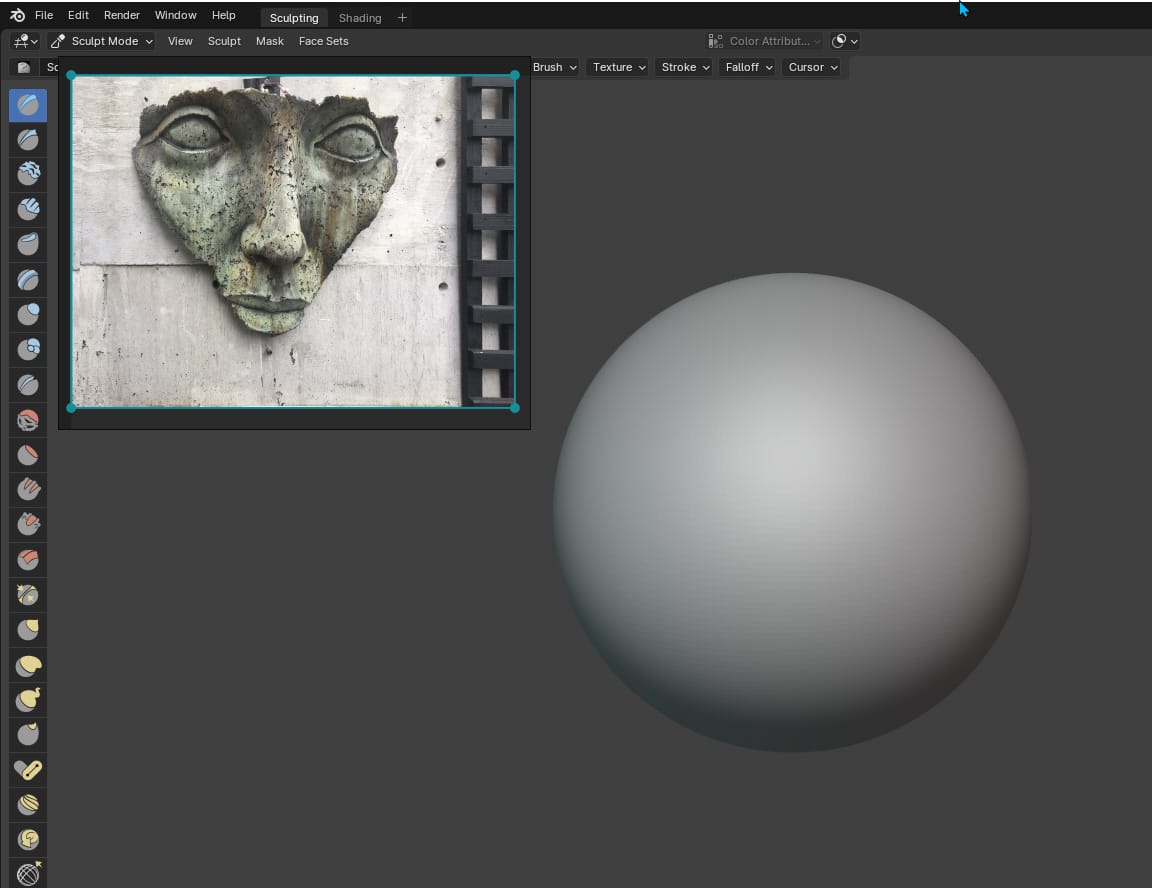
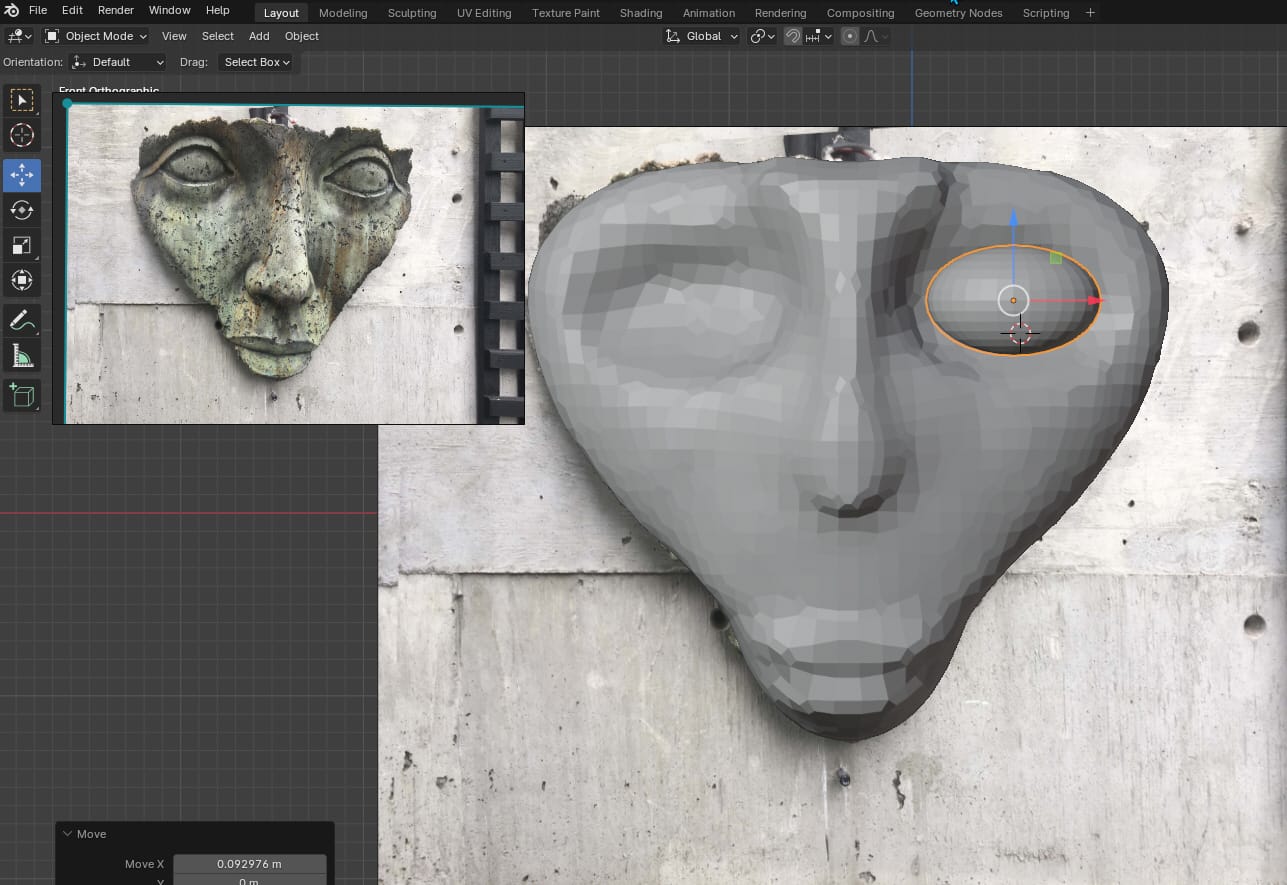
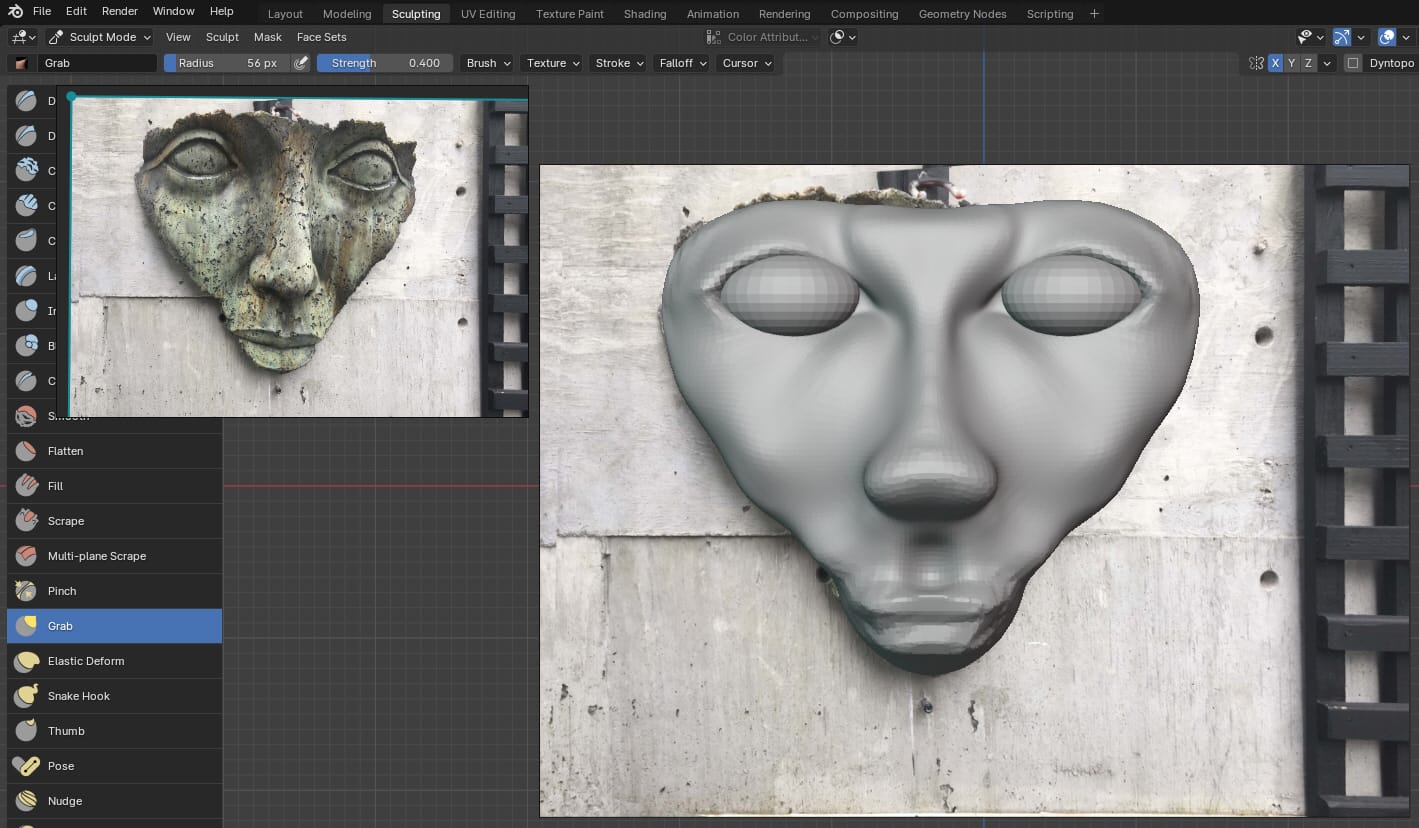
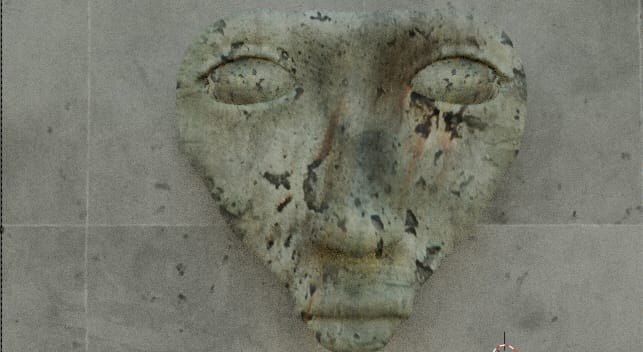
Working together, we were able to take the original photo and map it onto the 3D model. Flavio also improved the result by using Blender’s environment tools, something I wasn’t familiar with at the time. The result was nothing less than amazing.
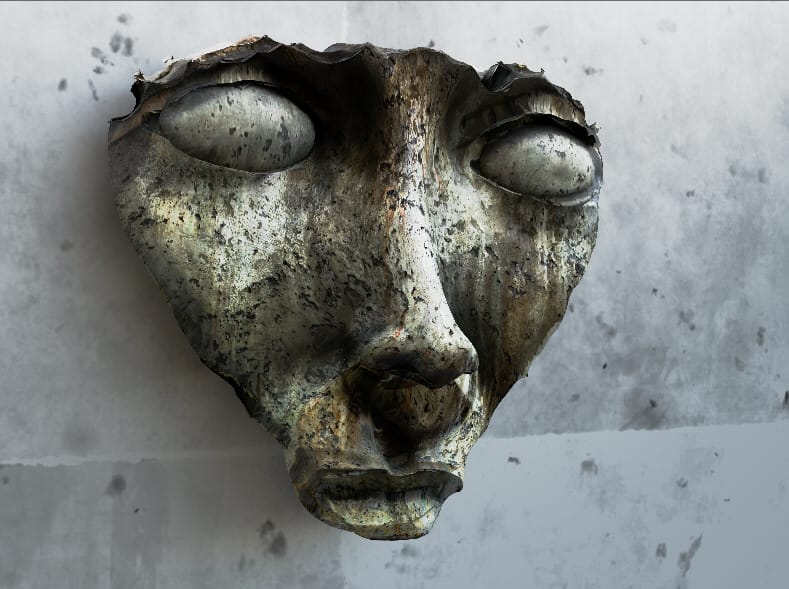
The final image came out far better than I expected. When I first saw it, it genuinely surprised me. It looked clean, detailed, and realistic enough that it didn’t need any retouching.
Everything, from the model to the final render, was done entirely in Blender.

About me
Hi there 👋 My name is Nathan Segal, I'm the creator of This Blog. Here, you can view my portfolio and read my articles which are all about art and tutorials
Do you have a project, idea, or commission you'd like to explore?
You can write to me at nathansegalart@gmail.com, call me at +52 322-166-4598 (on WhatsApp) or book a call. I look forward to hearing from you.
Created with ©systeme.io